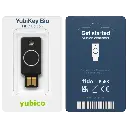
![YubiKey Bio (FIDO Edition) [5060408464168]](/web/image/product.product/35021/image_128/%20YubiKey%20Bio%20%28FIDO%20Edition%29%20%5B5060408464168%5D?unique=d293a06)

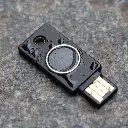




![YubiKey Bio (FIDO Edition) [5060408464168]](/web/image/product.product/35021/image_1024/%20YubiKey%20Bio%20%28FIDO%20Edition%29%20%5B5060408464168%5D?unique=d293a06)
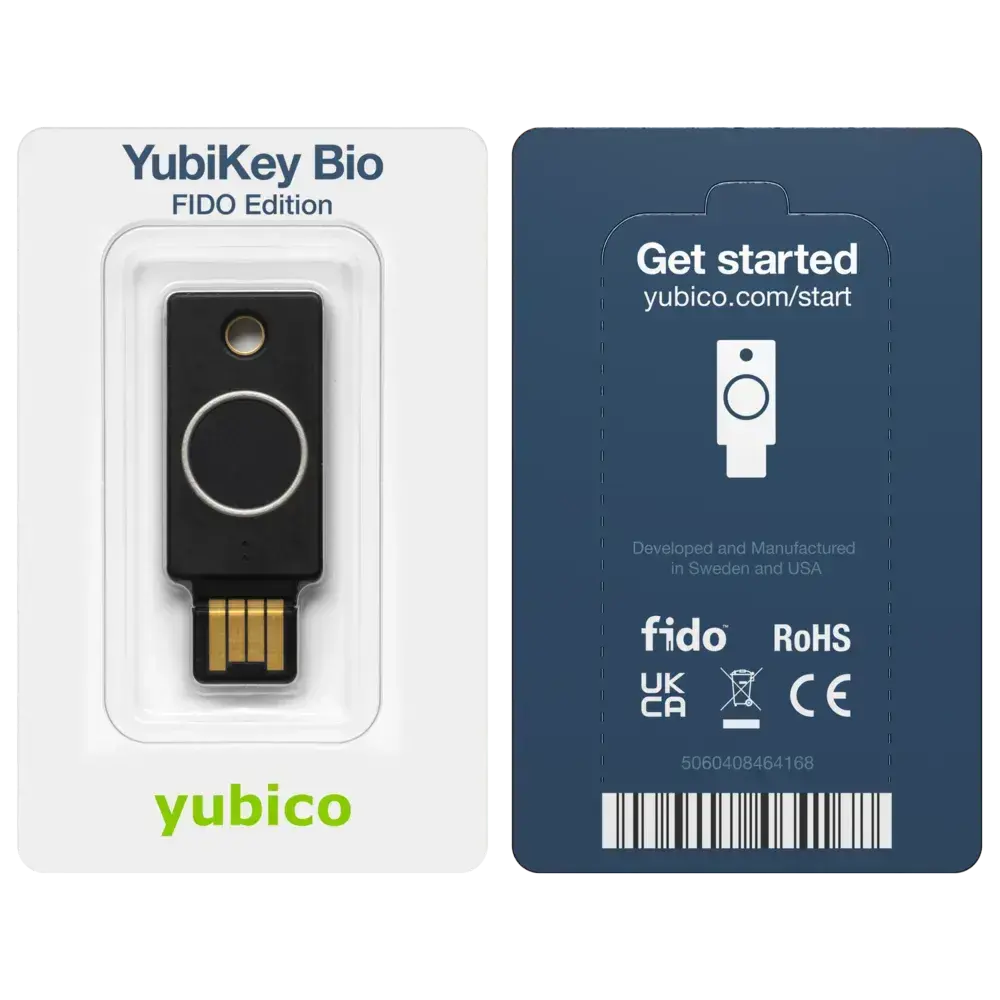

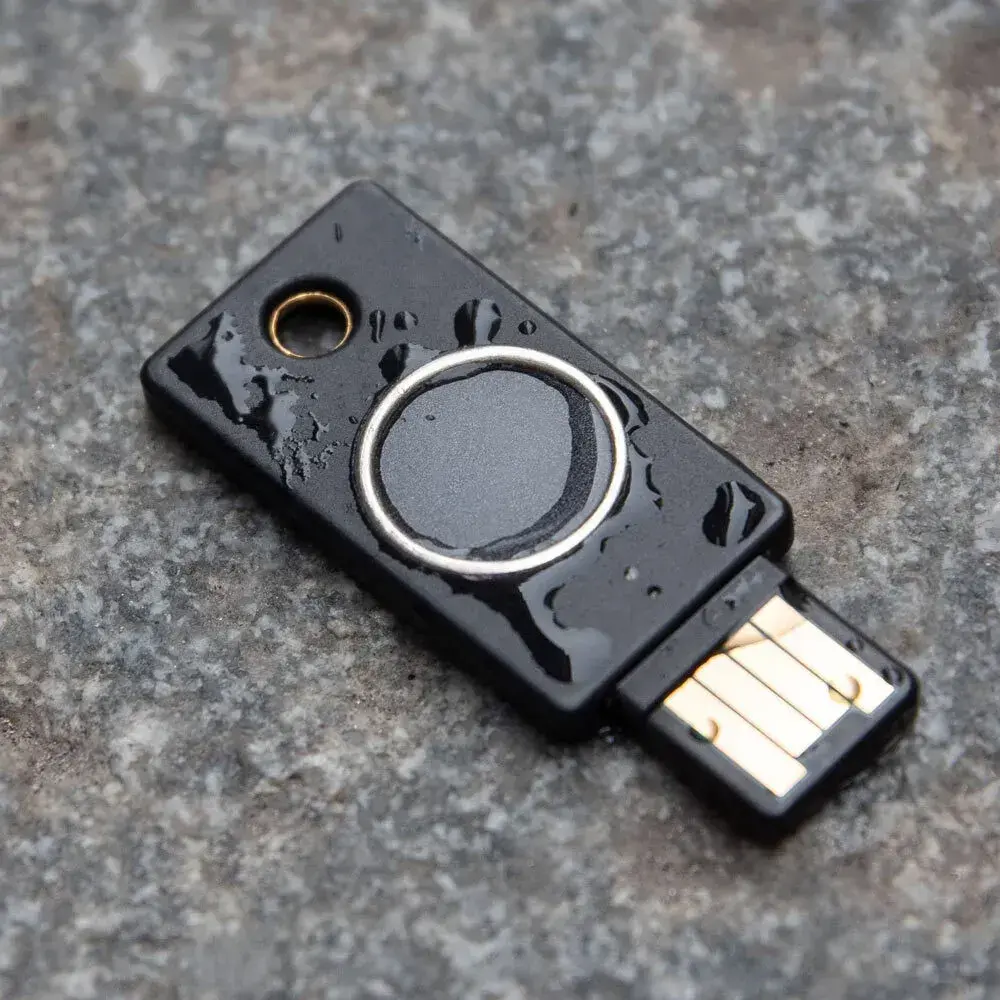

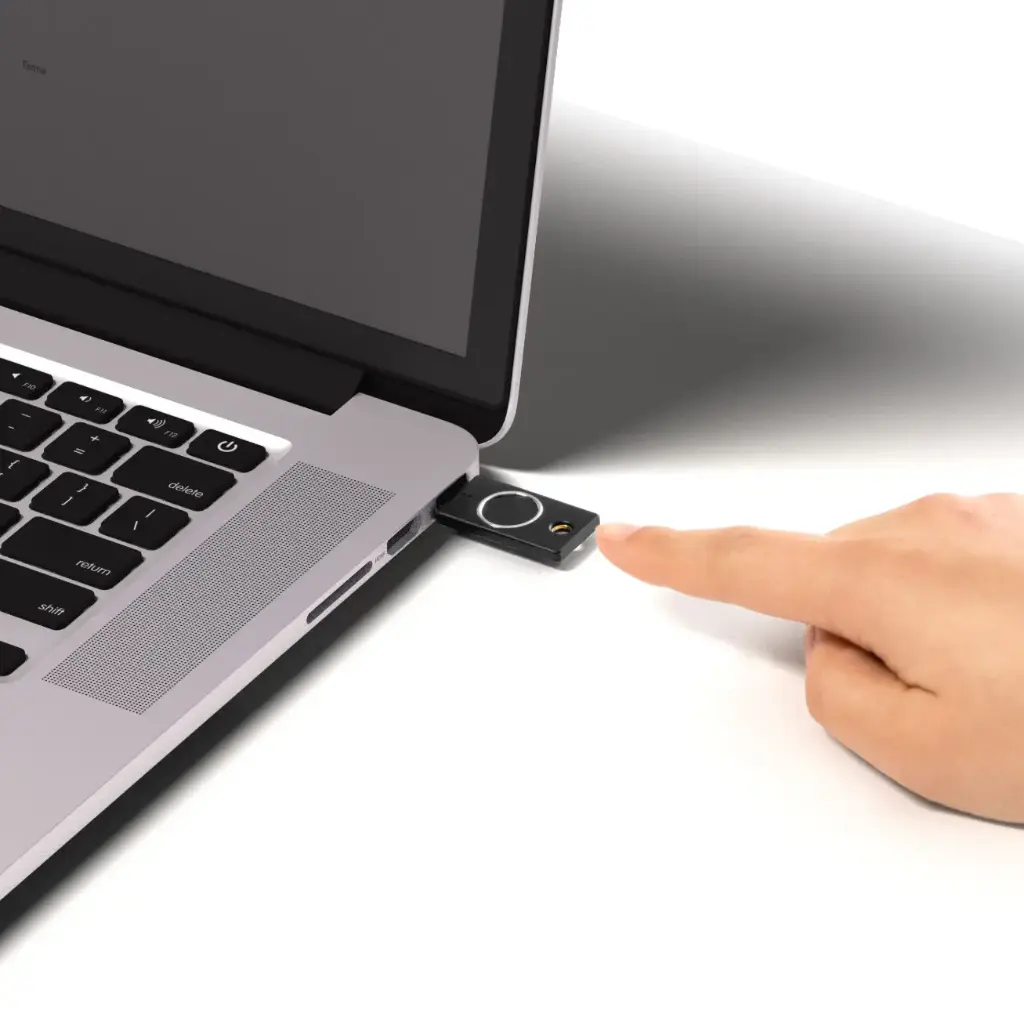
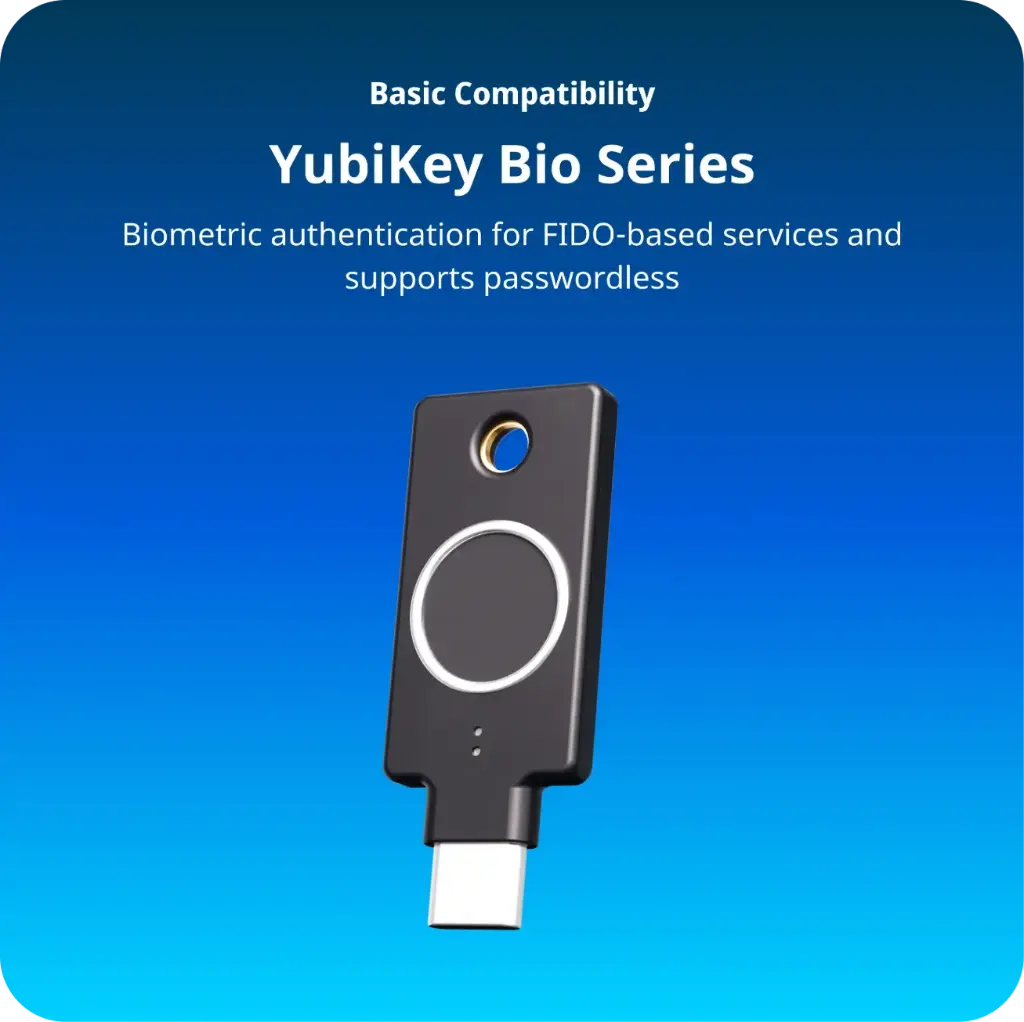


YubiKey Bio (FIDO Edition) – USB-A | Model: 5060408464168
Biometric Authentication for Passwordless Security
The YubiKey Bio (FIDO Edition) combines the robust security of Yubico's hardware authentication with the convenience of biometric fingerprint recognition. Designed for desktop environments, it offers a seamless and secure login experience without the need for passwords.
Key Features
Biometric Fingerprint Authentication: Utilize your fingerprint for secure, passwordless login.
FIDO2/WebAuthn & U2F Support: Compliant with industry standards for secure authentication.
USB-A Connectivity: Compatible with a wide range of devices featuring USB-A ports.
Built-in Secure Element: Ensures that fingerprint data is stored securely on the device.
Durable Design: Manufactured in Sweden with a crush resistance of up to 25 N·m.
Cross-Platform Compatibility: Works with Windows, macOS, Chrome OS, Linux, and supported browsers like Chrome and Edge.
Technical Specifications
Model: YubiKey Bio (FIDO Edition)
Part Number: 5060408464168
Interface: USB-A 2.0
Authentication Protocols: FIDO2/WebAuthn, FIDO U2F
Fingerprint Slots: Up to 100
Secure Element: Yes
Physical Dimensions: 18 x 45 x 3.35 mm
Weight: 4.5 g
Operating Temperature: 0°C to 40°C
Storage Temperature: -20°C to 85°C
Water/Dust Resistance: IP68
Certifications: CE, FCC, RoHS, UKCA
Manufactured In: Sweden
Why Choose YubiKey Bio?
Enhanced Security: Eliminates the risk of phishing and credential theft.
User Convenience: Quick and easy login with a fingerprint scan.
Broad Compatibility: Works with a variety of services and platforms.
Durability: Built to withstand everyday wear and tear.
Frequently Asked Questions (FAQ)
Q1: What is the YubiKey Bio (FIDO Edition)?
A1: It's a hardware security key that uses biometric fingerprint authentication for secure, passwordless login.
Q2: Which devices are compatible with this YubiKey?
A2: It connects via USB-A and is compatible with desktops and laptops running Windows, macOS, Chrome OS, and Linux.

Q3: How many fingerprints can I register?
A3: You can register up to 100 fingerprints on the device.
Q4: Is it compatible with mobile devices?
A4: The USB-A interface is primarily designed for desktop use. For mobile compatibility, consider the USB-C version.
Q5: Does it support two-factor authentication?
A5: Yes, it supports both passwordless and second-factor authentication methods.
Q6: Is the fingerprint data stored on the device?
A6: Yes, fingerprint data is securely stored within the device's built-in secure element.